CRM
Most CRMs help you win the client. HotKup helps you keep them —
by managing the work that comes after the sale.
What makes HotKup different
Before HotKup
Client info scattered across spreadsheets, emails
No visibility into work done for each client
Documents buried in folders nobody can find
Conversations lost in different inboxes
New staff have no client history
Separate tools for sales, tasks, documents and communication - nothing connected
With HotKup
One client record with everything attached
All open and completed work visible per client
Documents stored in context, always find-able
Every email logged against the client - automatically
Full client history accessible to anyone
One system, one price - sales, service delivery and everything in between
How customers use it
Most teams start by importing their client list, then gradually add more detail as they work. Within a few weeks, HotKup becomes the go-to place for "everything about this client." Team members stop asking "where's that document?" or "what's the status?" — because it's all right there.
Industries using HotKup for CRM
Legal
Accounting
Consulting
Marketing agencies
Financial services
Property management
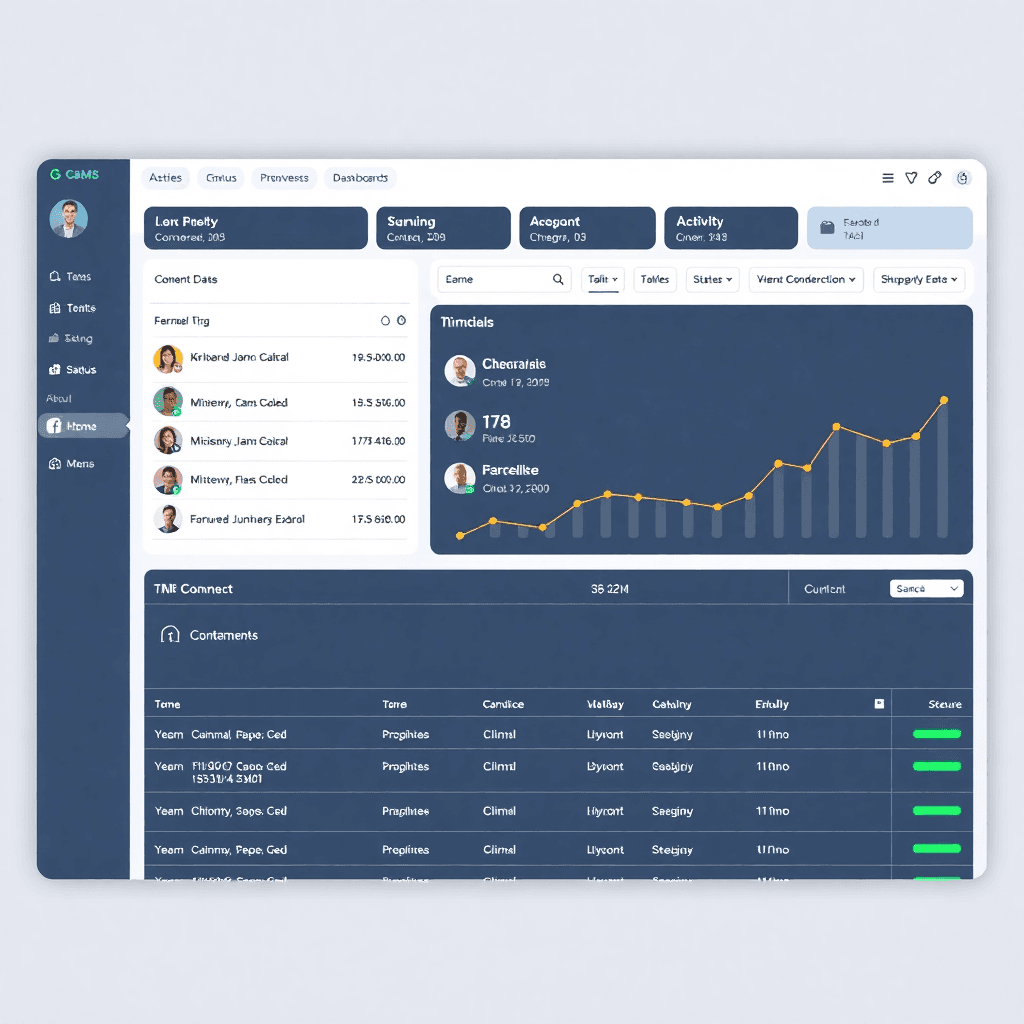
Client Dashboard View
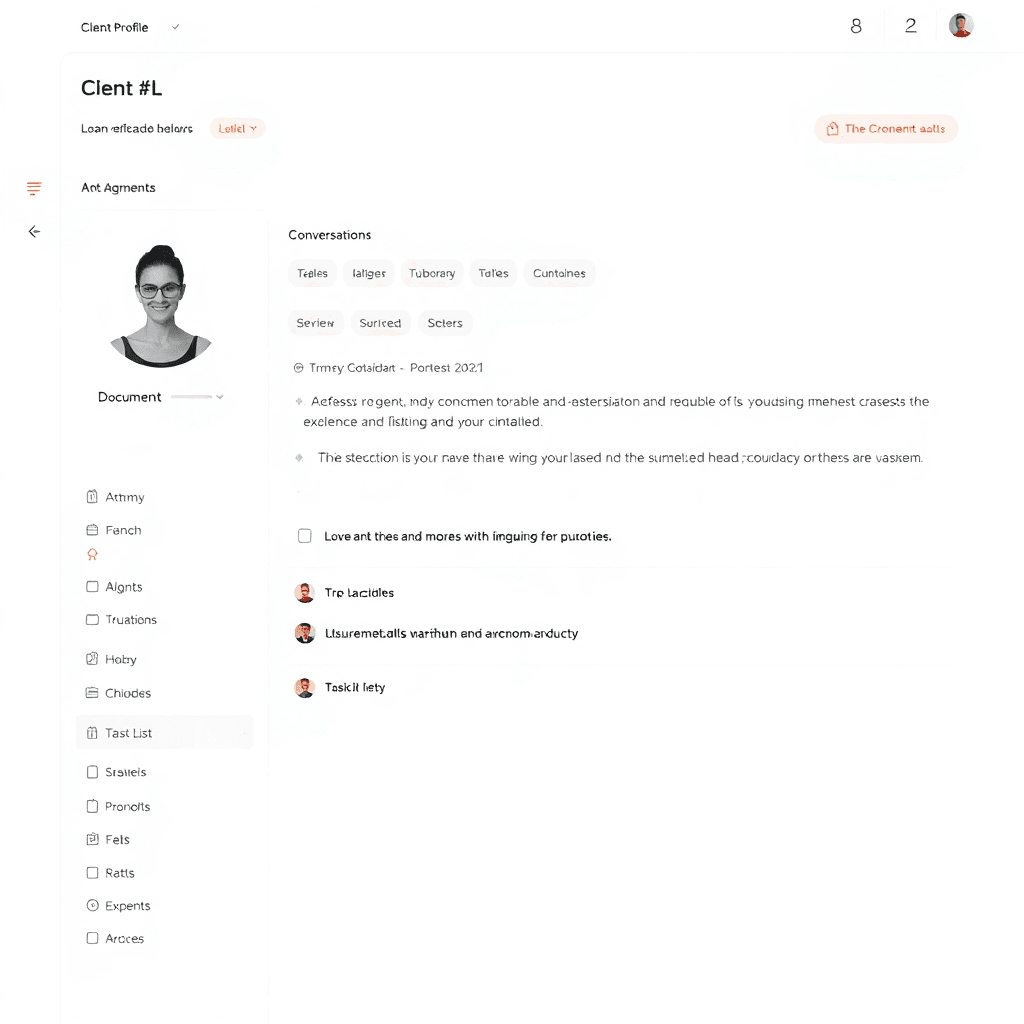
Client Profile with History
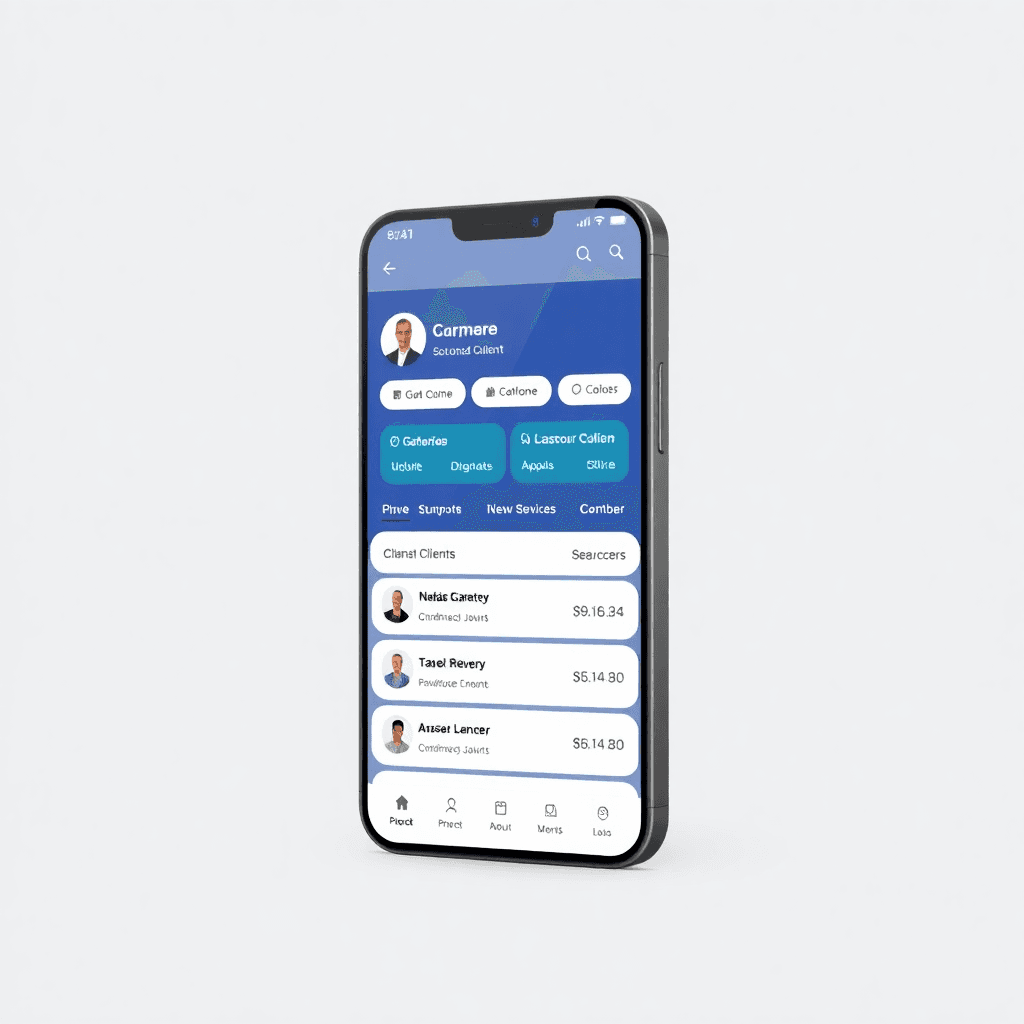
Mobile Client Access
Practice Management
For professional service firms (legal, accounting, consulting), HotKup replaces multiple disconnected tools with one integrated system.
What makes HotKup different
Before HotKup
Client info scattered across spreadsheets and emails
No visibility into work done for each client
Documents buried in folders nobody can find
Conversations lost in different inboxes
New staff have no client history
With HotKup
Clients, matters, tasks, and documents in one place
Real-time dashboards and reporting
Built-in time tracking linked to tasks
Clear view of who's working on what
Full audit trail automatically captured
How customers use it
Professional firms use HotKup to manage everything from intake to completion. Each matter gets its own workspace with tasks, documents, deadlines, and communication history. Partners can see firm-wide status at a glance. Junior staff know exactly what to work on next. Clients get secure access to their own information.
Industries using HotKup for practice management
Law firms
Accounting firms
Consulting practices
Architecture firms
Engineering consultancies
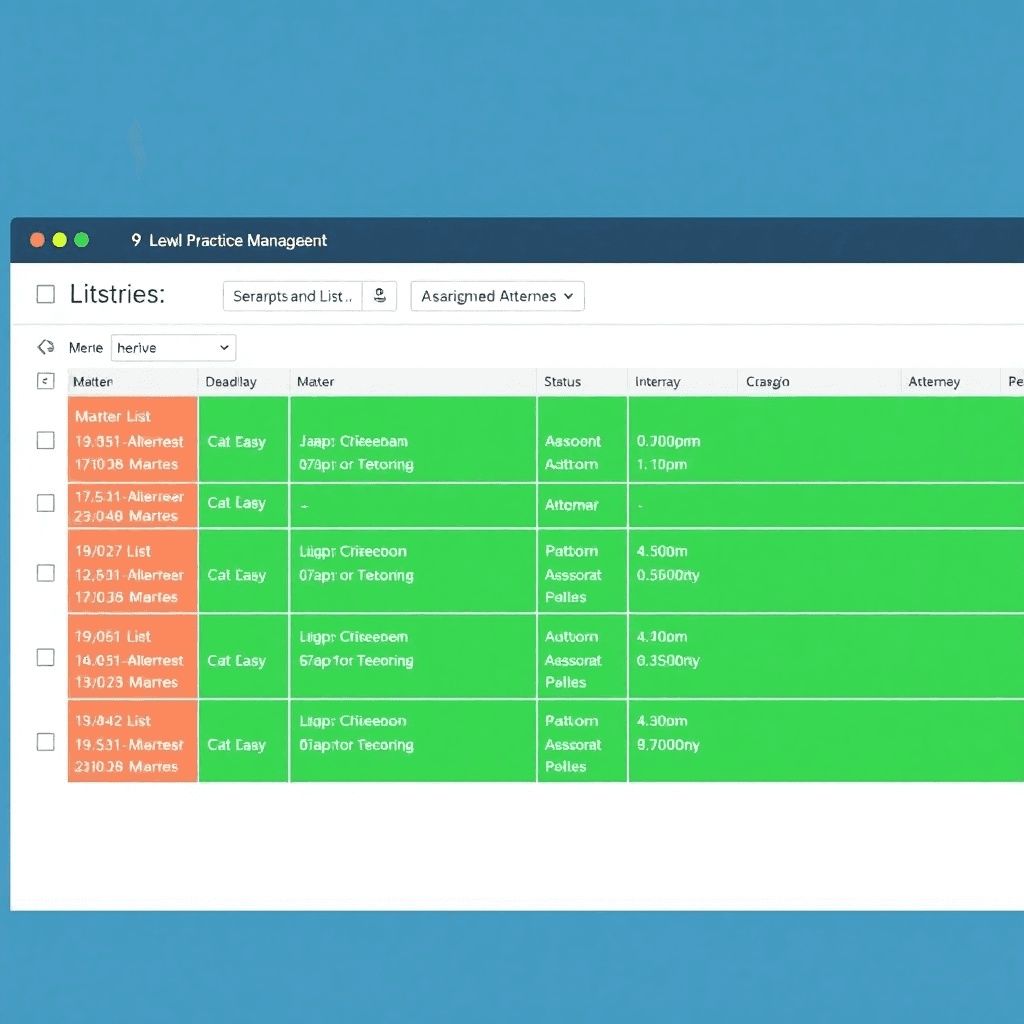
Matter Management Dashboard
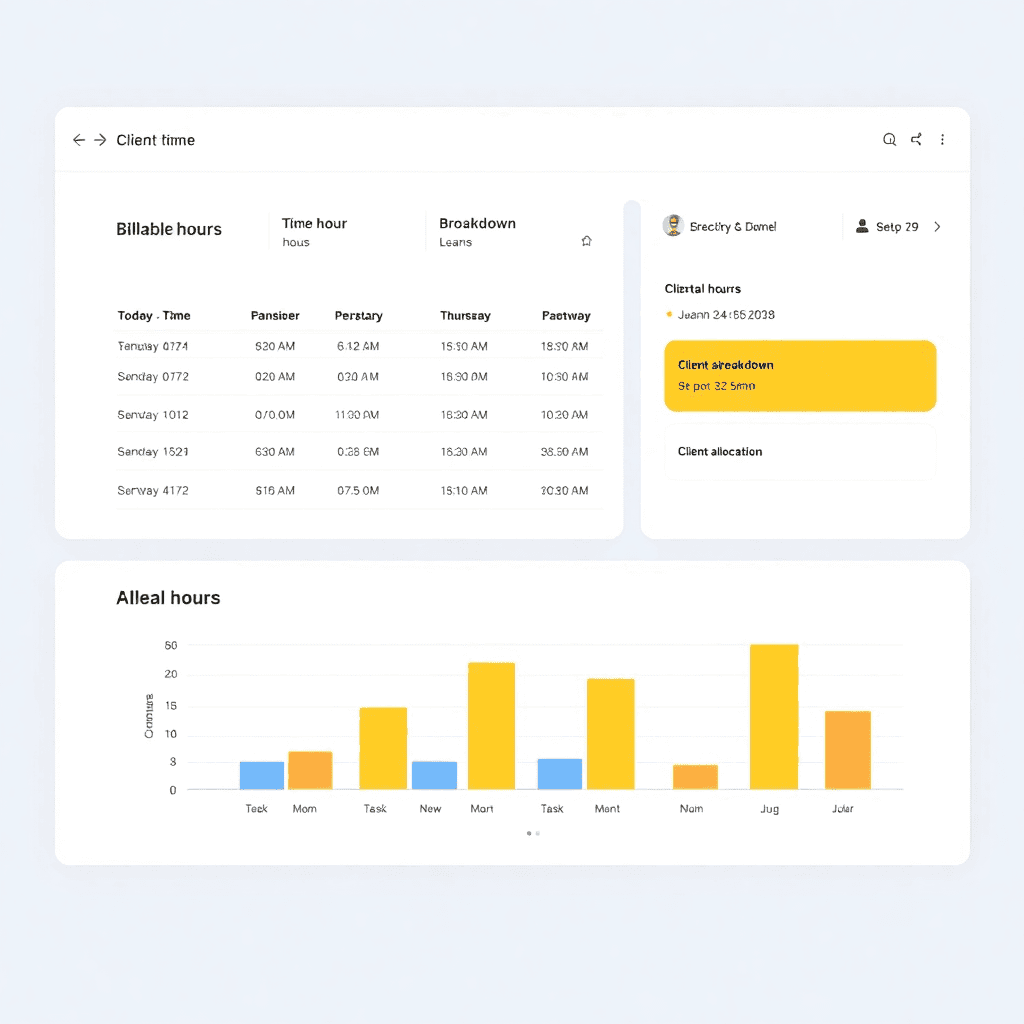
Time Tracking & Billing
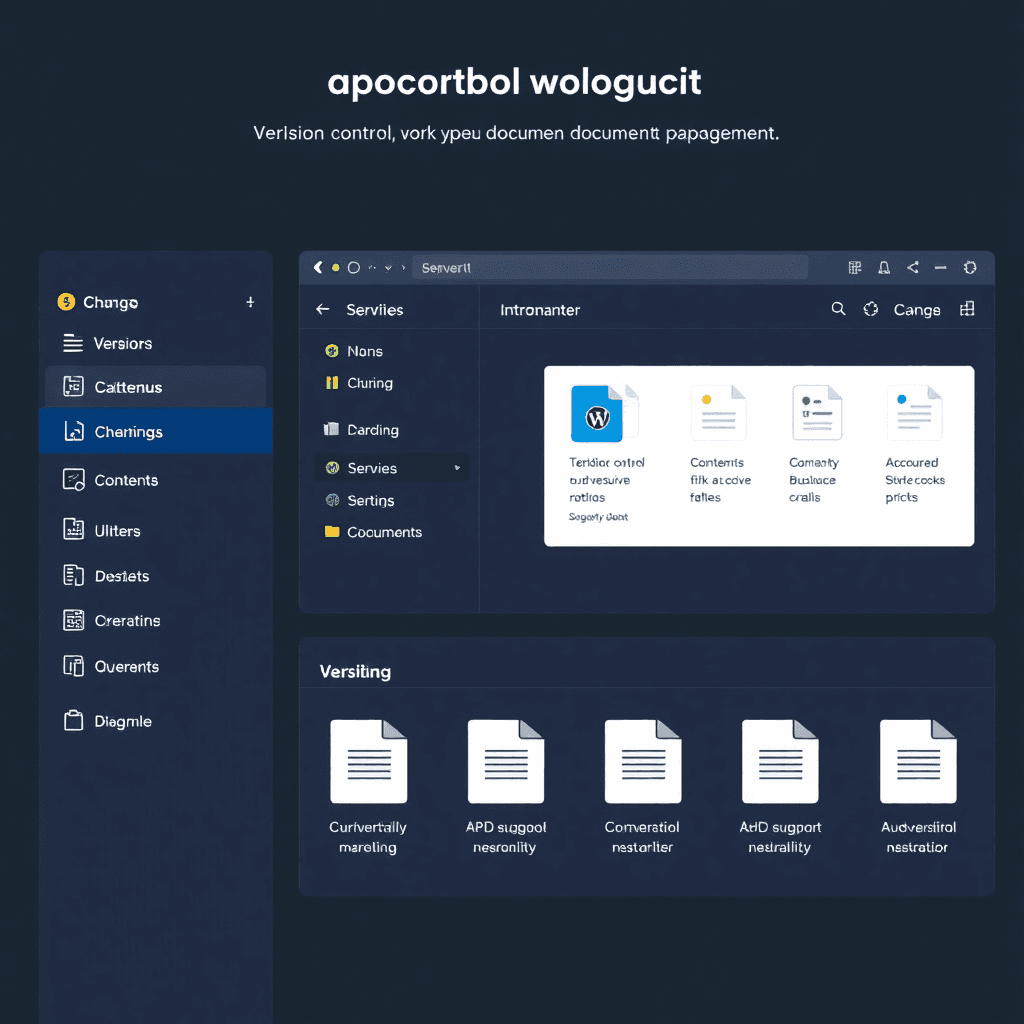
Document Version Control
Service Desk / Ticketing
Whether you're supporting internal teams or external clients, HotKup handles requests from submission to resolution.
What makes HotKup different
Before HotKup
Requests come in via email, phone, messaging apps — everywhere
No clear ownership or status
Things get lost or forgotten
Hard to prioritize
No visibility into response times
With HotKup
All requests in one queue
Clear assignment and status for every ticket
Automatic escalation for overdue items
Priority levels and SLA tracking
Real-time performance metrics
How customers use it
Support teams use HotKup to manage everything from simple password resets to complex technical issues. Tickets are automatically categorized, routed to the right person, and tracked through to completion. Managers get real-time visibility into queue depth, response times, and team performance. Customers can check status anytime through the portal.
Industries using HotKup for service desk
IT support
Customer service teams
Facilities management
HR departments
Managed service providers
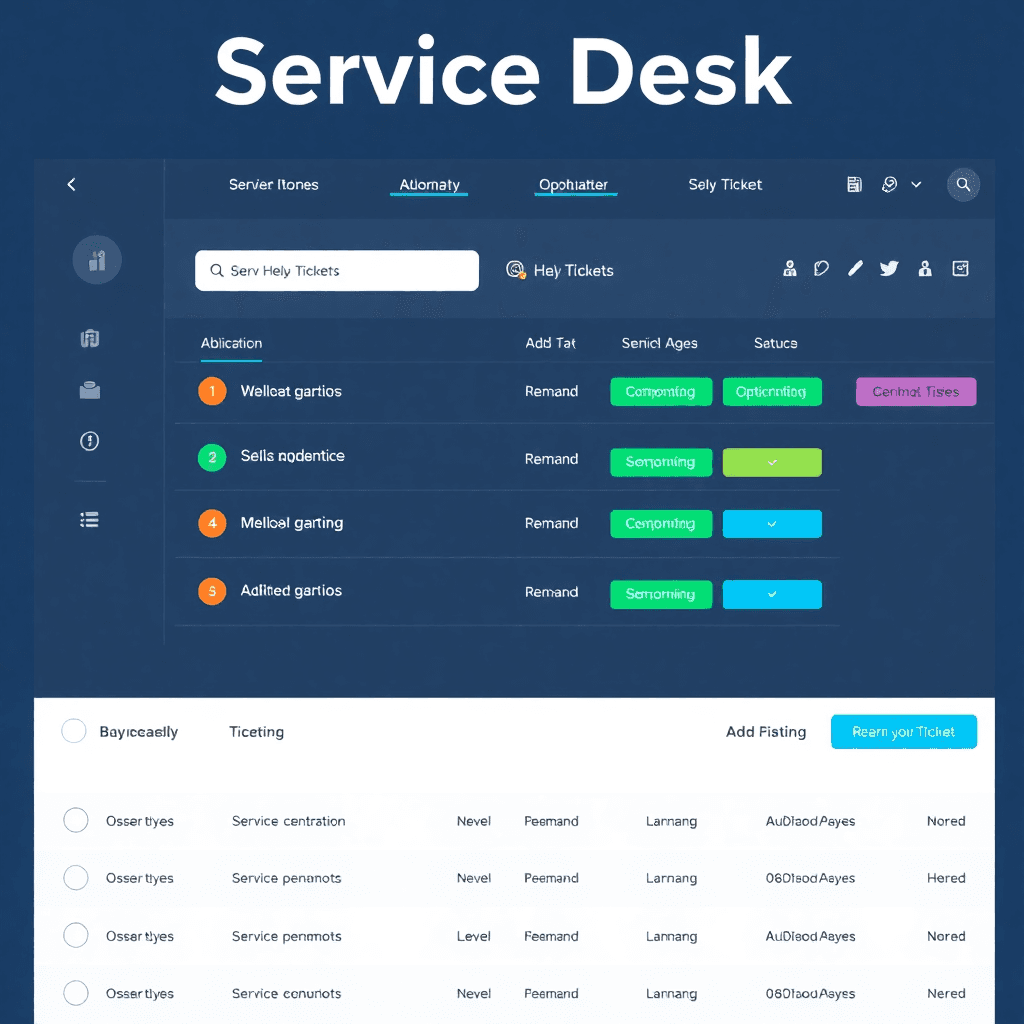
Ticket Queue Management
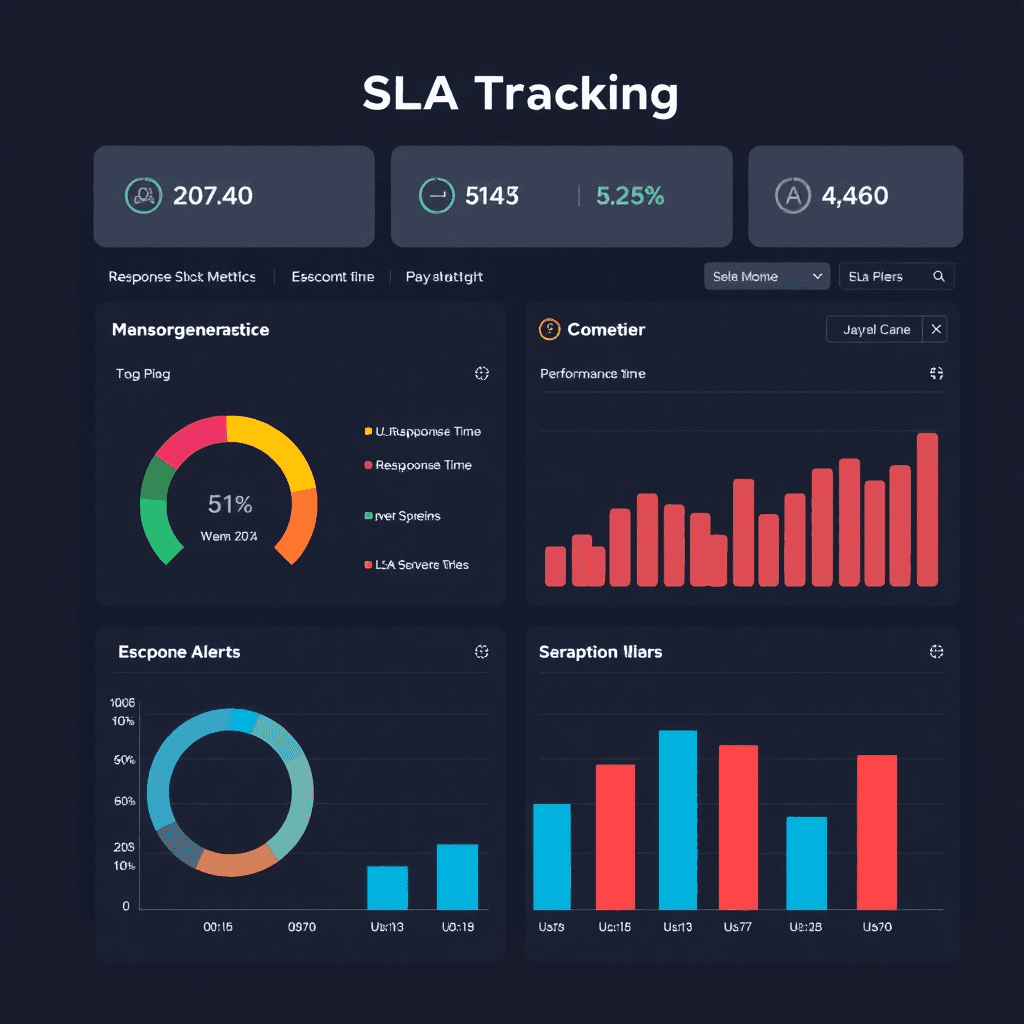
SLA Tracking & Escalation
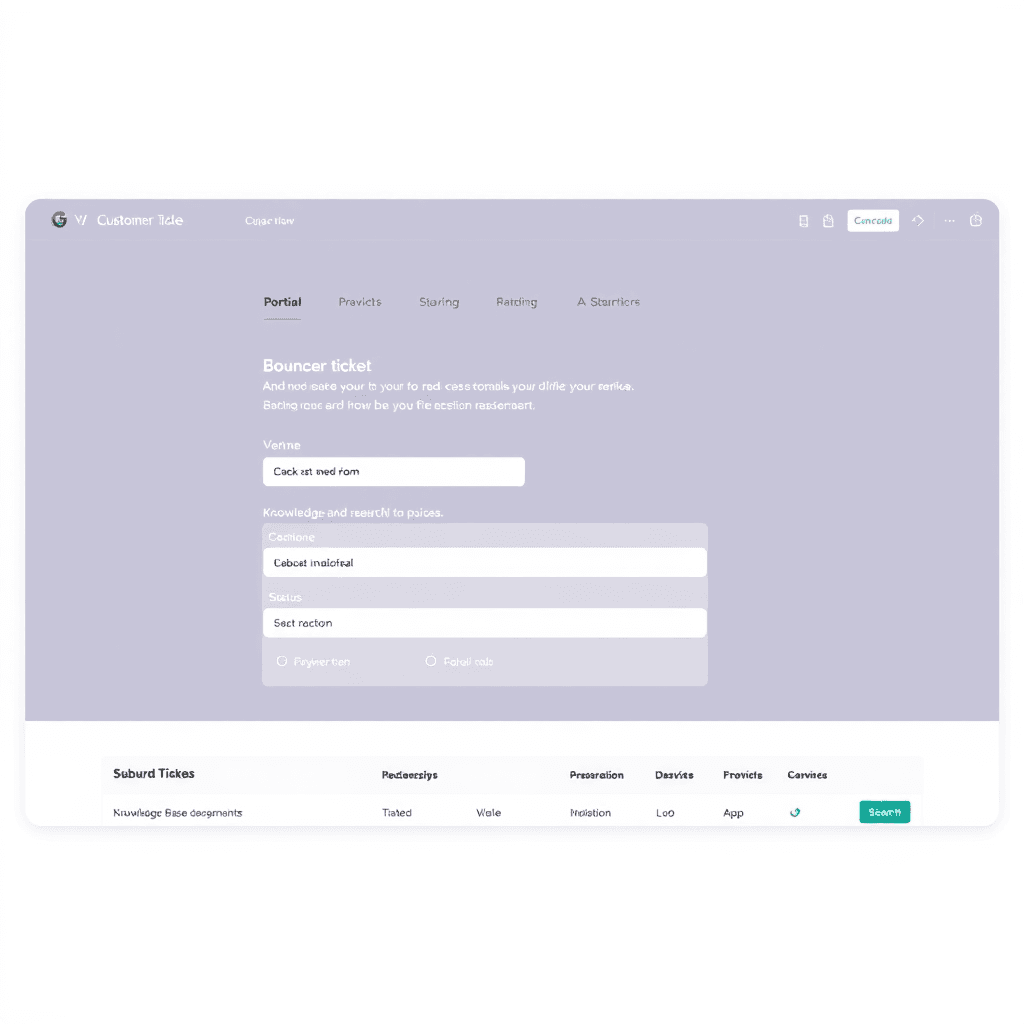
Self-Service Portal
Workflow Management
Build custom workflows for any repeatable process — no coding required.
What makes HotKup different
Before HotKup
Processes documented in Word docs or wikis
Manual handoffs between steps
Inconsistent execution
No visibility into bottlenecks
Hard to enforce compliance
With HotKup
Workflows built right into the system
Automatic task creation and assignment
Consistent process every time
Real-time tracking of progress
Built-in compliance and audit trail
How customers use it
Teams build workflows for everything from employee onboarding to contract approvals to client intake. Each workflow defines the steps, who does what, and what happens next. HotKup handles the rest — creating tasks, sending notifications, tracking completion, and escalating when needed. No coding required.
Common workflows in HotKup
Lead management
Contract approvals
Client on-boarding
Change requests
Service delivery management
Incident response
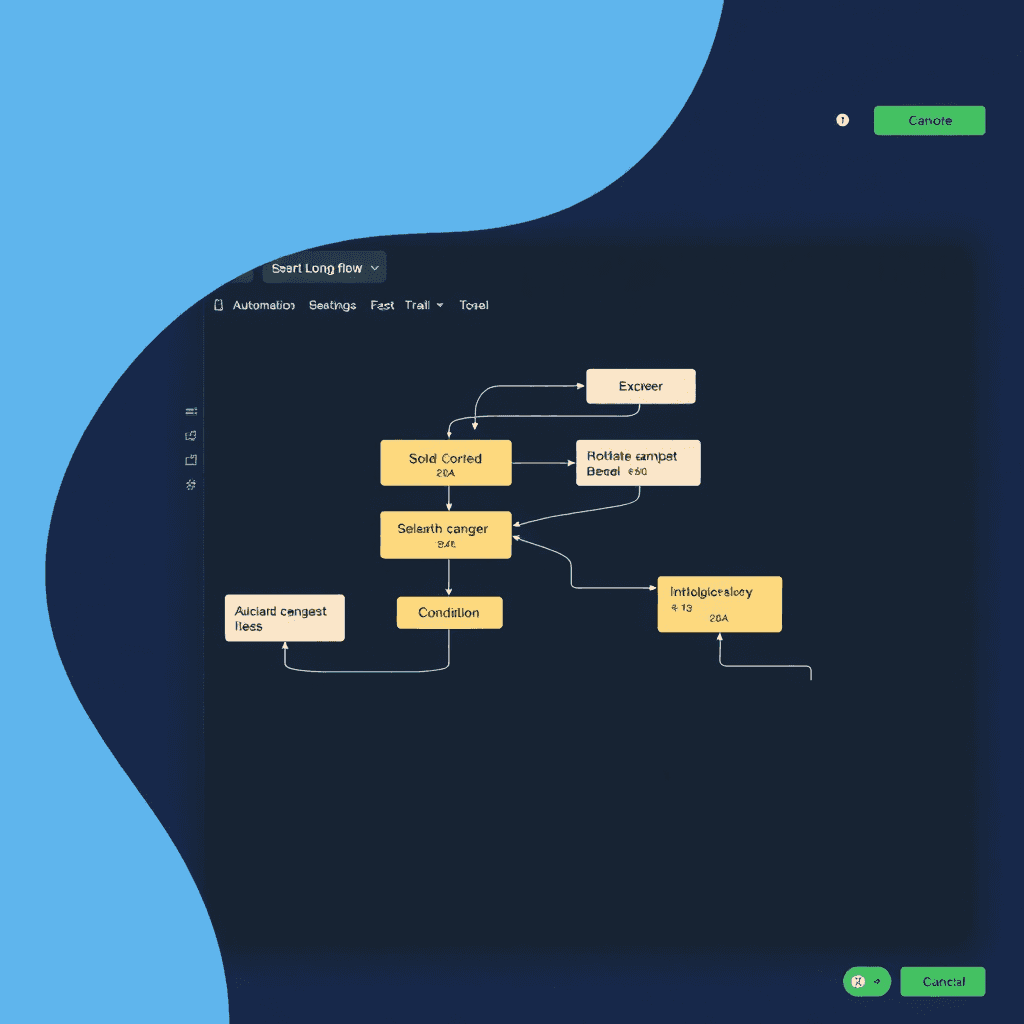
Visual Workflow Builder
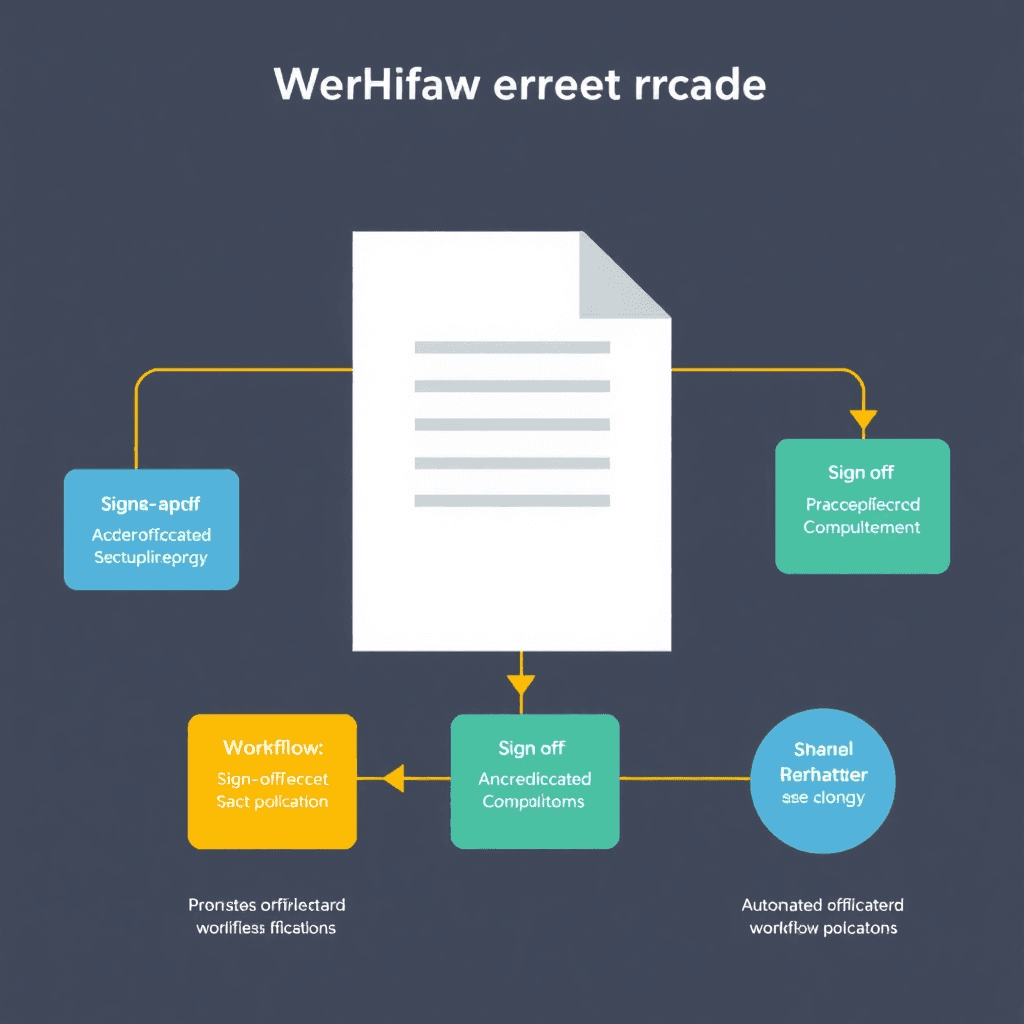
Approval Workflows
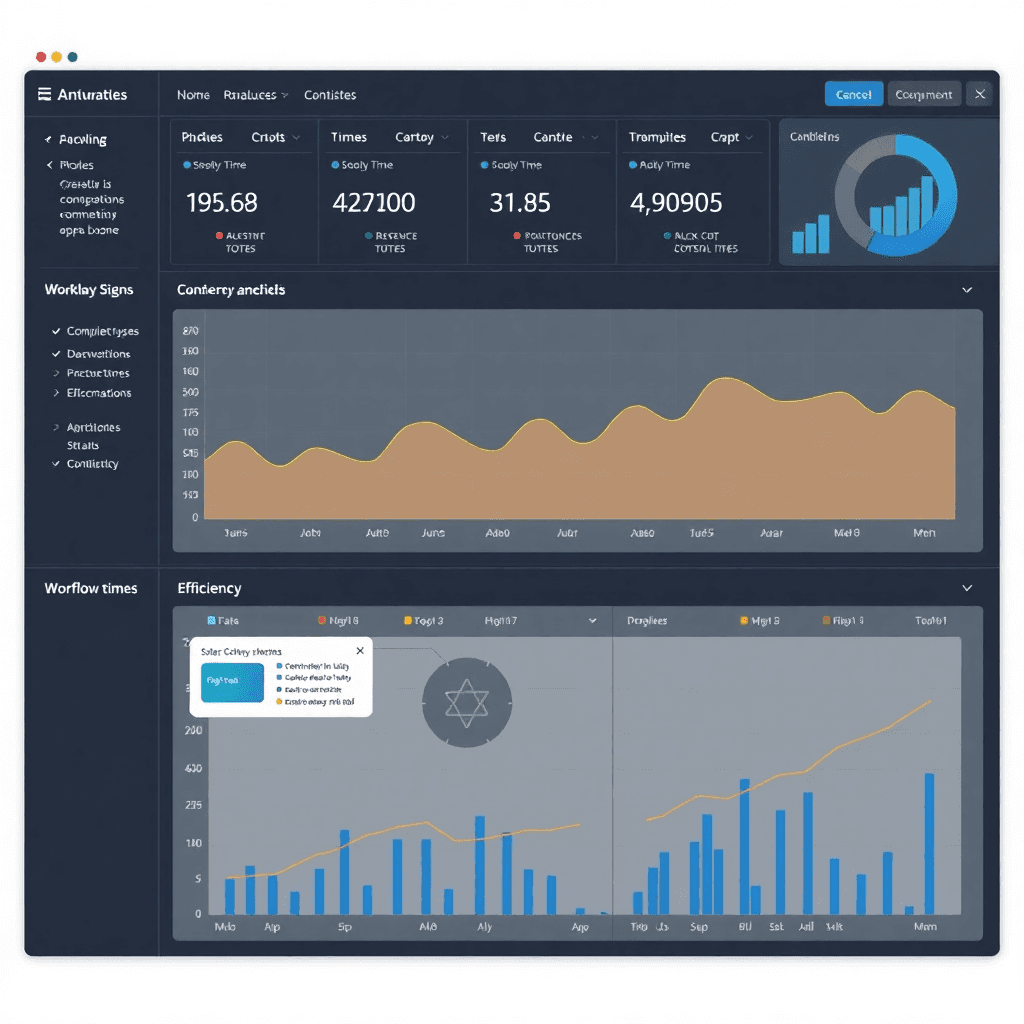
Process Analytics
Team Collaboration
Work happens in context. HotKup keeps conversations, decisions, and updates connected to the work they're about.
What makes HotKup different
Before HotKup
Important discussions buried in email threads
Decisions made in Slack, lost forever
No connection between chat and work
Context switching between tools
Hard to find "what was decided about X?"
With HotKup
Conversations attached to clients, projects, and tasks
Full history always available
Work and communication in one place
No switching between apps
Easy to find past discussions and decisions
How customers use it
Instead of scattering conversations across email, Slack, and meetings, teams use HotKup to keep discussions connected to what they're about. Talking about a client issue? The conversation lives on that client's record. Discussing a task? It's right there with the task. Six months later, when someone asks "why did we decide that?" — the answer is easy to find.
Industries using HotKup for collaboration
Remote teams
Professional services
Cross-functional teams
Client-facing teams
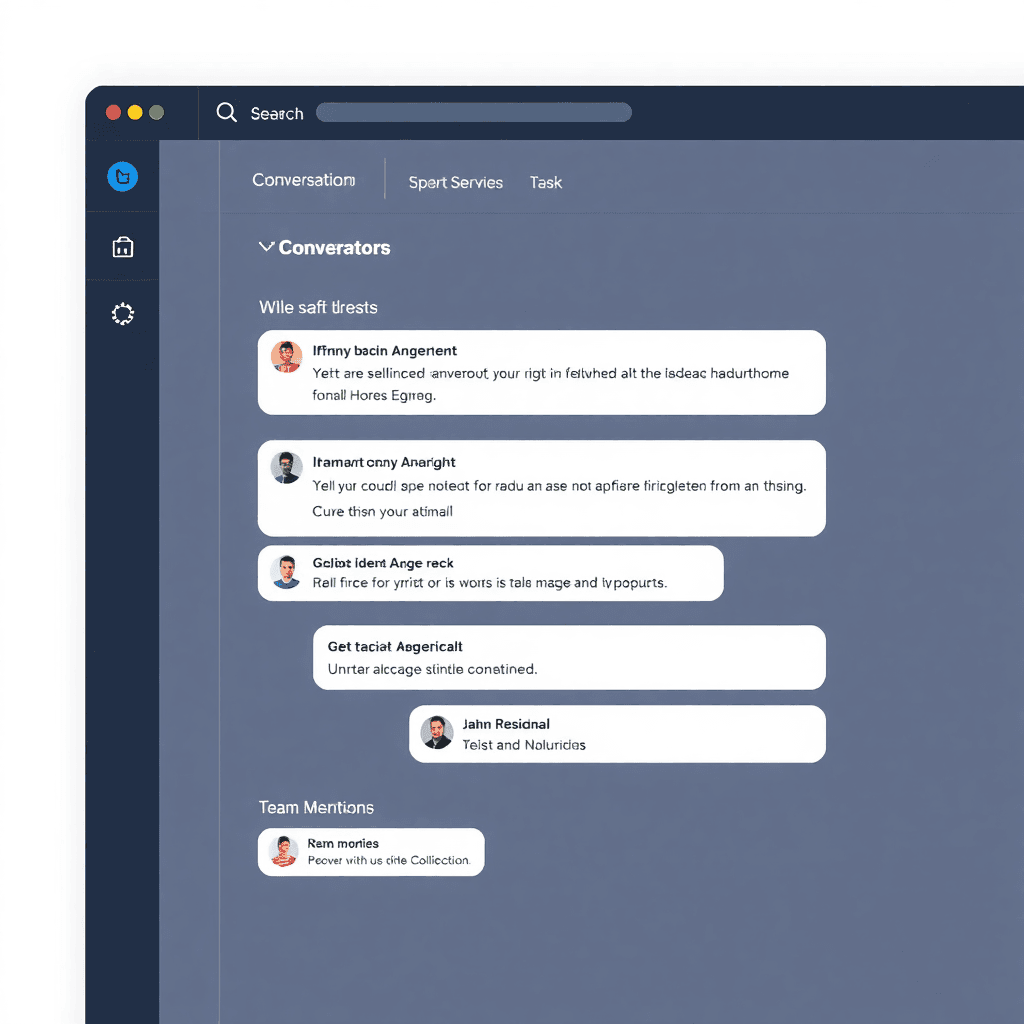
Contextual Conversations
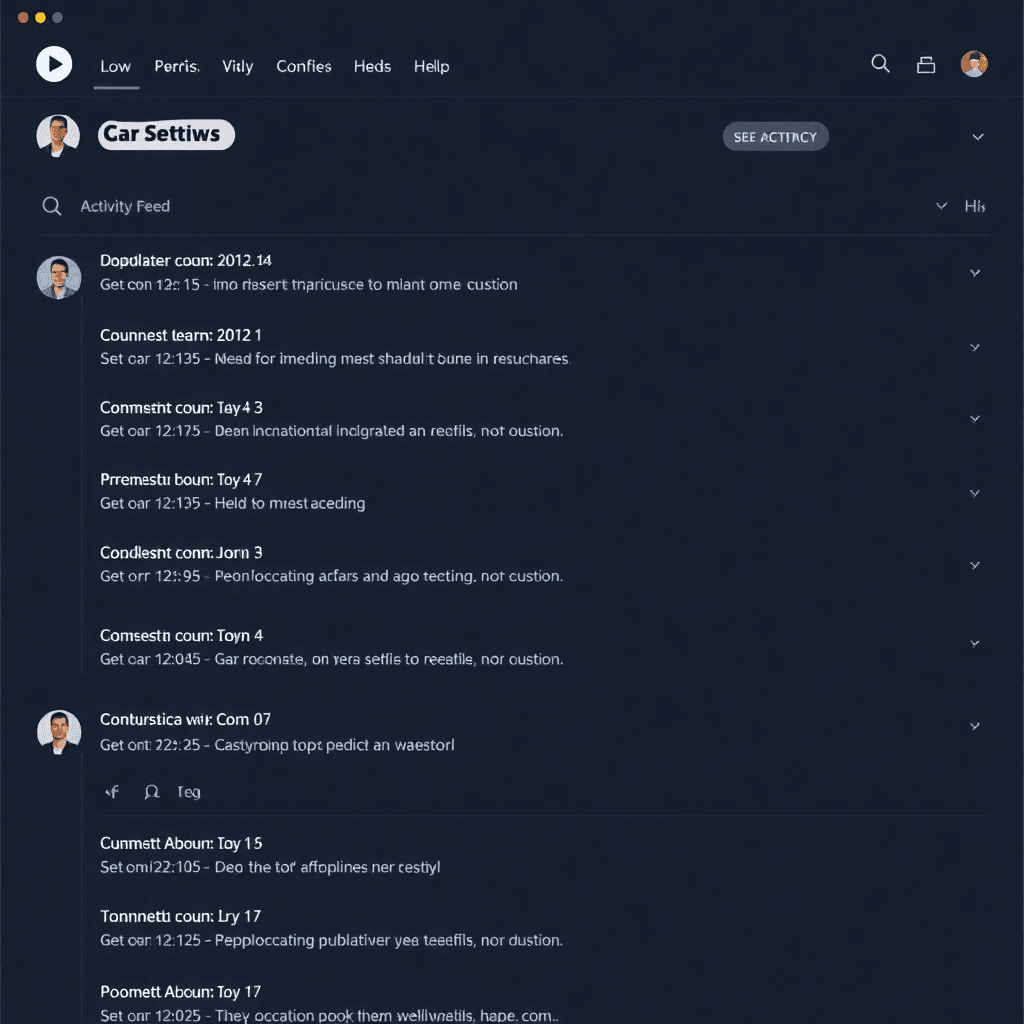
Activity Timeline
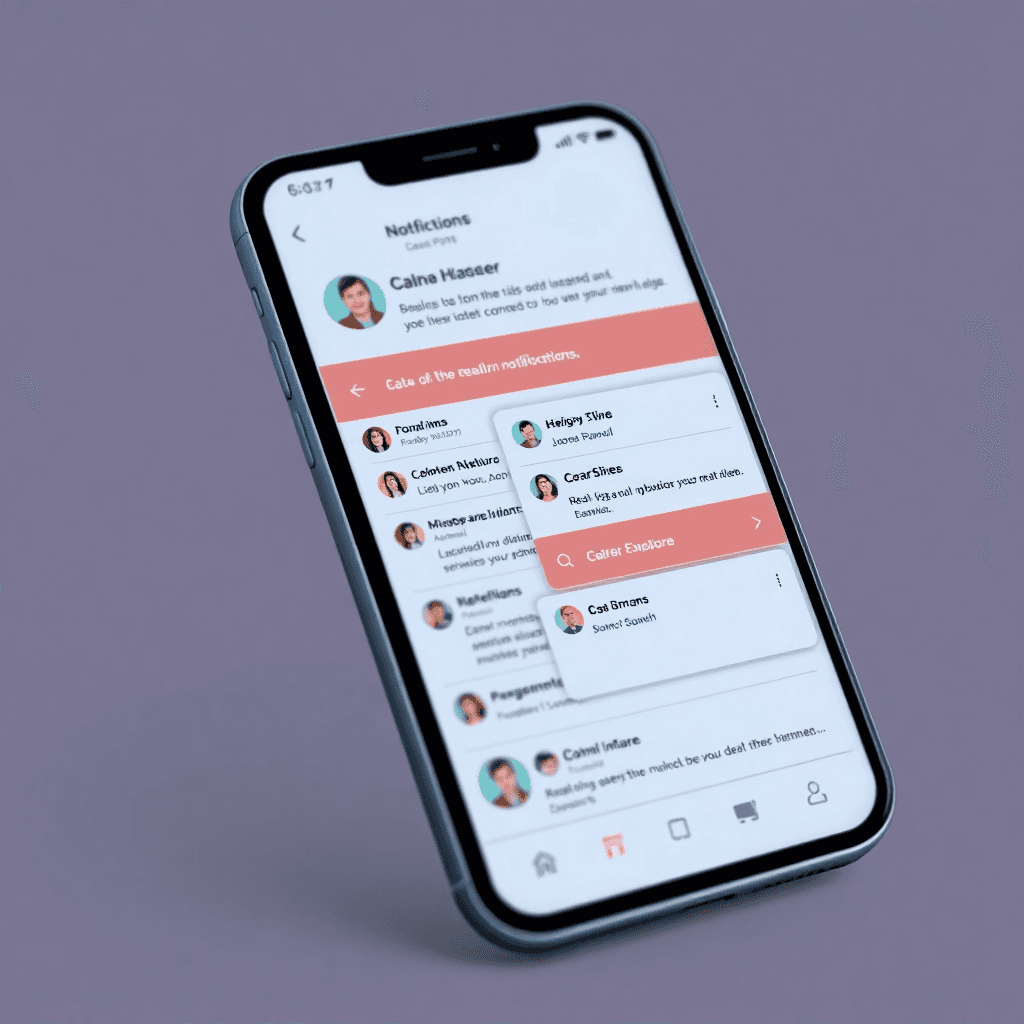
Mobile Collaboration
Project Execution
For teams that need to deliver projects on time and on budget — without the complexity of traditional project management tools.
What makes HotKup different
Before HotKup
Project plans in spreadsheets or complex PM tools
Status updates via email or meetings
No single source of truth
Hard to see what's blocking progress
Difficult to track budget vs. actual
With HotKup
Simple, visual project planning
Real-time status visible to everyone
All project info in one place
Clear dependencies and blockers
Built-in time and budget tracking
How customers use it
Project teams use HotKup to plan, execute, and track projects without the overhead of traditional PM tools. Create a project, break it into tasks, assign owners, set deadlines. HotKup keeps everyone aligned and makes it easy to see what's done, what's in progress, and what's next. Perfect for teams that need structure without bureaucracy.
Project types managed in HotKup
Software development
Marketing campaigns
Client implementations
Event planning
Product launches
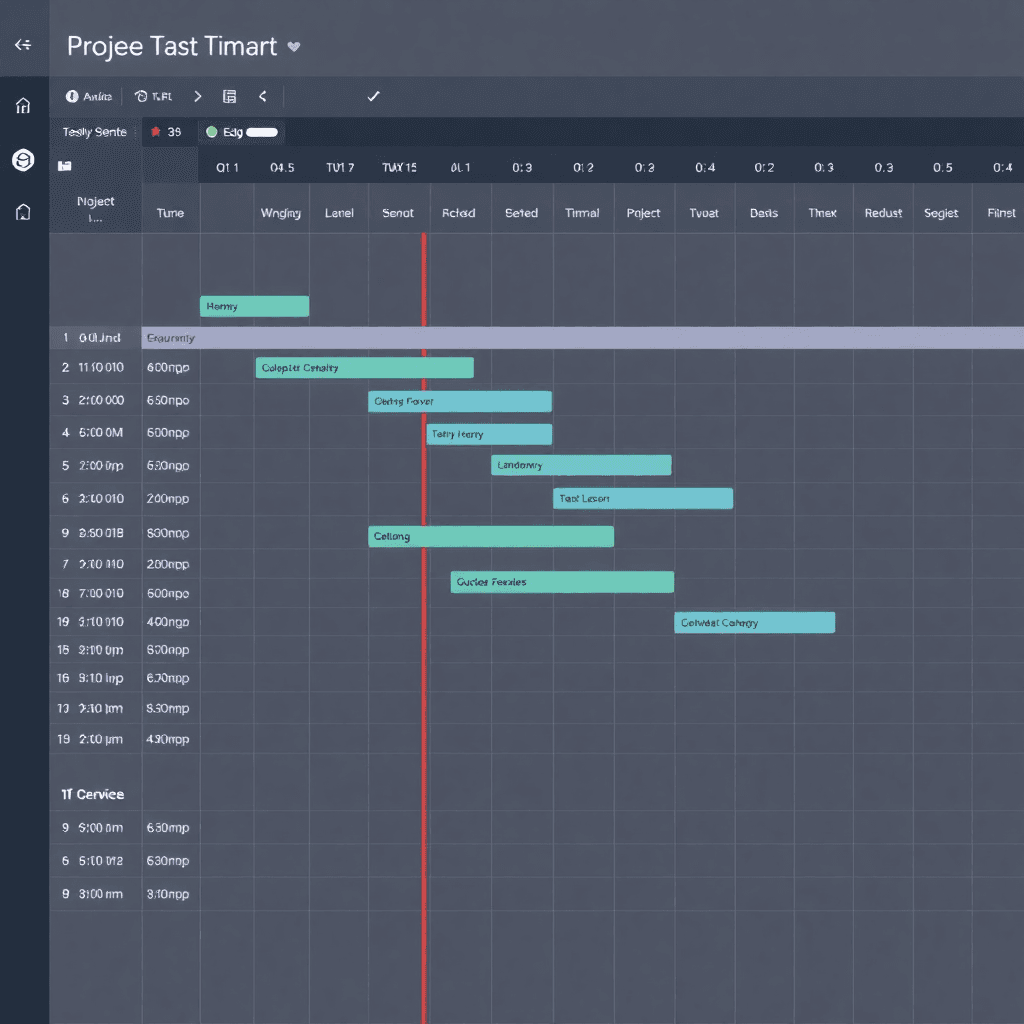
Project Timeline & Dependencies
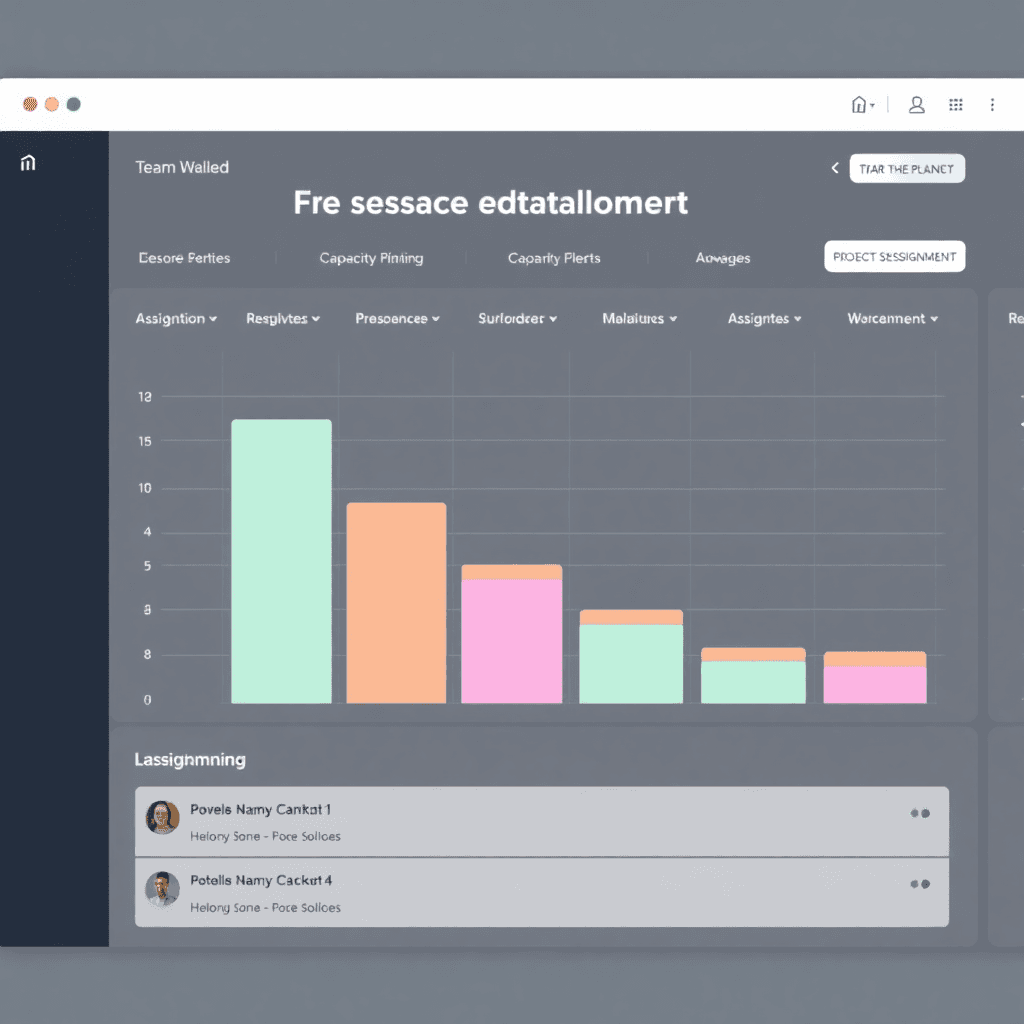
Resource Allocation View
Simple pricing. Serious value.
All-Inclusive Plan
R100
per user / month
(minimum 5 users)
Full functionality included
No add-ons or hidden costs
No contracts — month to month
Free onboarding
Local support
"Worth it if it saves you just 1 hour per person per week."
See HotKup in action
Book a demo and we'll show you how it works — using your business as the example.
Book a Demo
Everything is connected. One platform.
Most businesses use separate tools for CRM, ticketing, workflow, and collaboration — then struggle to keep them in sync. HotKup connects everything. Your client data, tasks, documents, and processes all live together.
Clients + Work
Every task, project, and conversation is connected to the client it's for. No more hunting across systems to find what you need.
Workflows + Escalations
Build automated workflows that create tasks, assign work, and escalate issues — all within the same system where your data lives.
Documents + Context
Store documents where they belong — attached to clients, projects, or tasks. Everyone sees the same version, with full context.
Teams + Visibility
Everyone on the team sees the same information in real time. No more "did you get my email?" or "where's that file?"
History + Audit Trail
Complete history of who did what, when. Perfect for compliance, audits, or just understanding "how did we get here?"
Office + Mobile
Full access from anywhere. Desktop, tablet, or phone — same information, same functionality, always in sync.
One platform replaces many tools
Stop paying for multiple subscriptions. Stop trying to keep data in sync. Stop switching between apps. HotKup brings it all together.
How Businesses Use HotKup
One platform, many applications. See how HotKup works for different business needs.

The CRM built for South African businesses who don't have time for nonsense.
Contact

Suite 201, 12-255 Dundas St. East, Waterdown ON L8B 0E5

61 Waterfront Drive, Knysna, 6571
Copyright Hotkup 2025. Hotkup is a registered trademark for Hotkup. All rights reserved